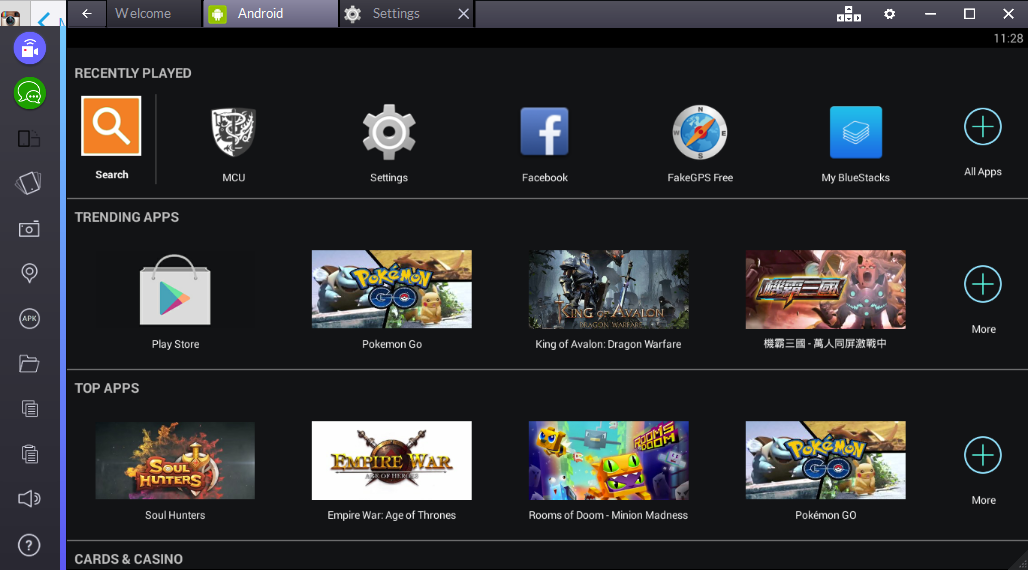
2. Download MCU for Android

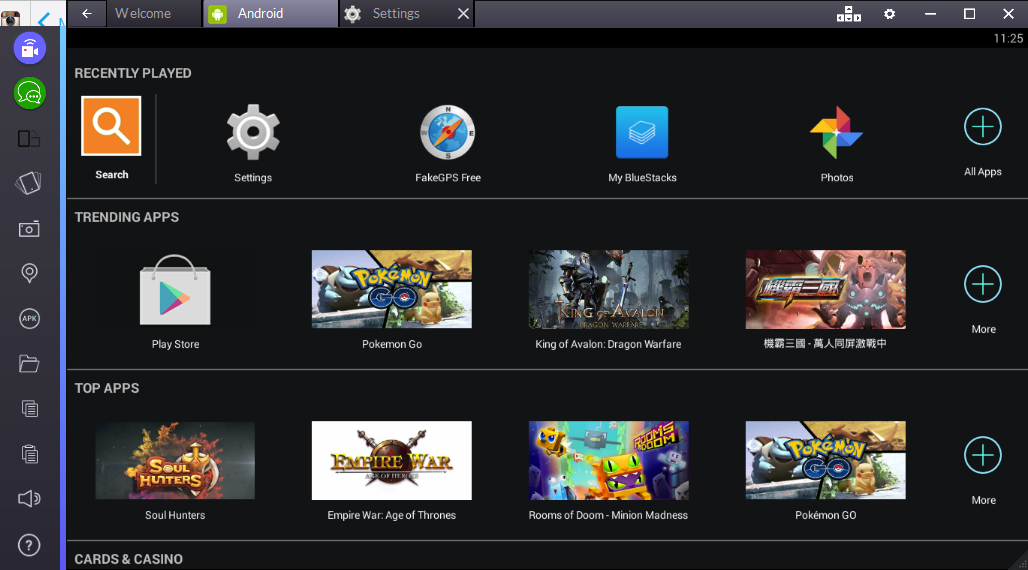
2a. Click the "Android" tab

You can access the main Android interface there.

2b. Click "Play store"

This is the Android counterpart of IOS Apps Store.

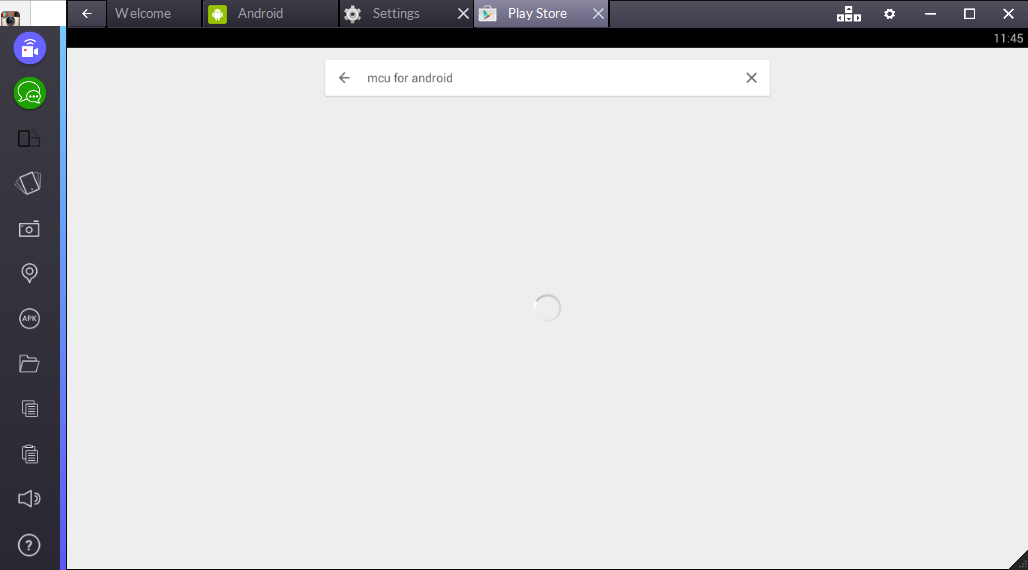
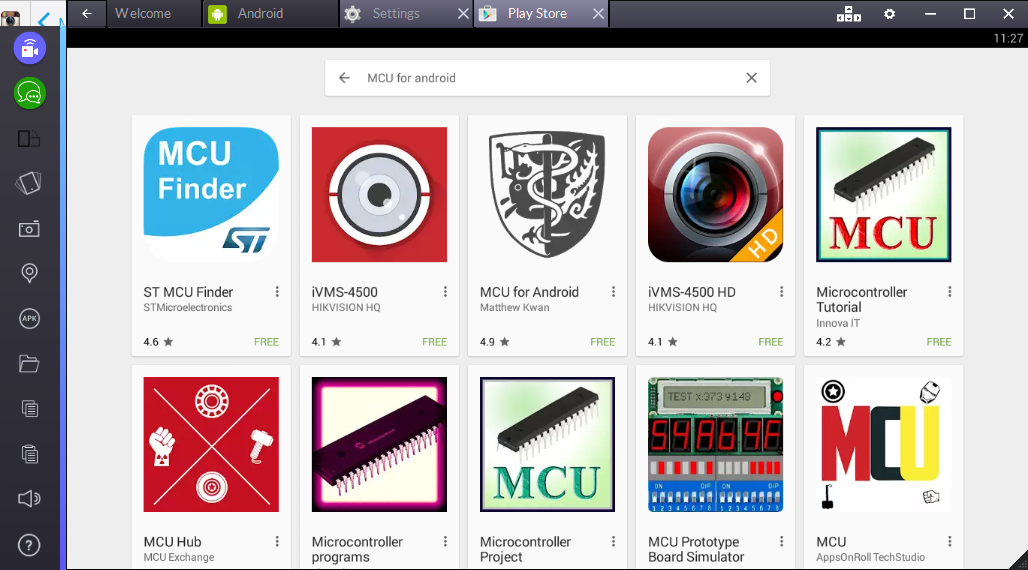
2c. Search "MCU for Android"

2d. Look for the (old) Faculty logo

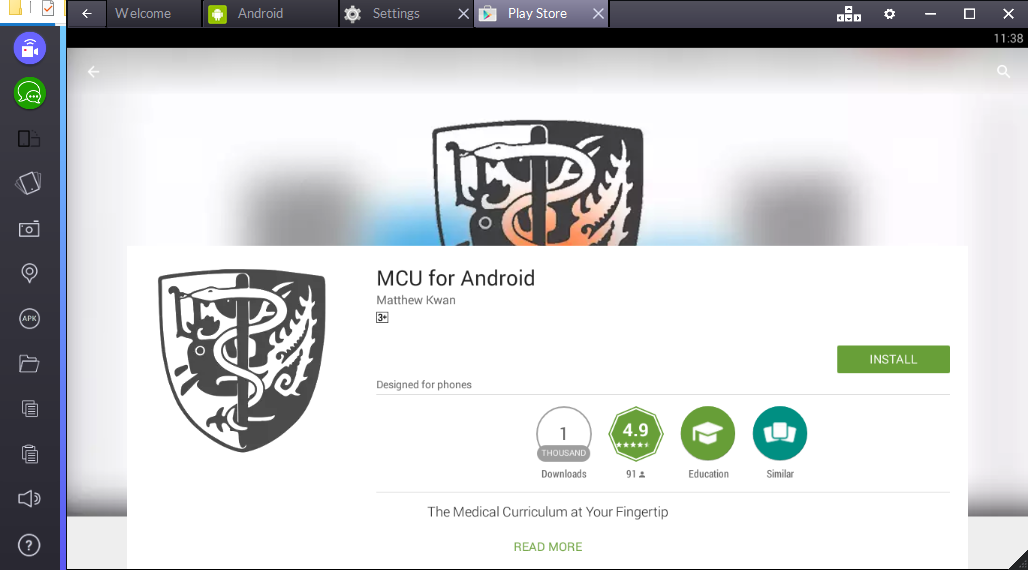
2e. Click install

2f. DONE!

You may now access MCU on the Android tab.
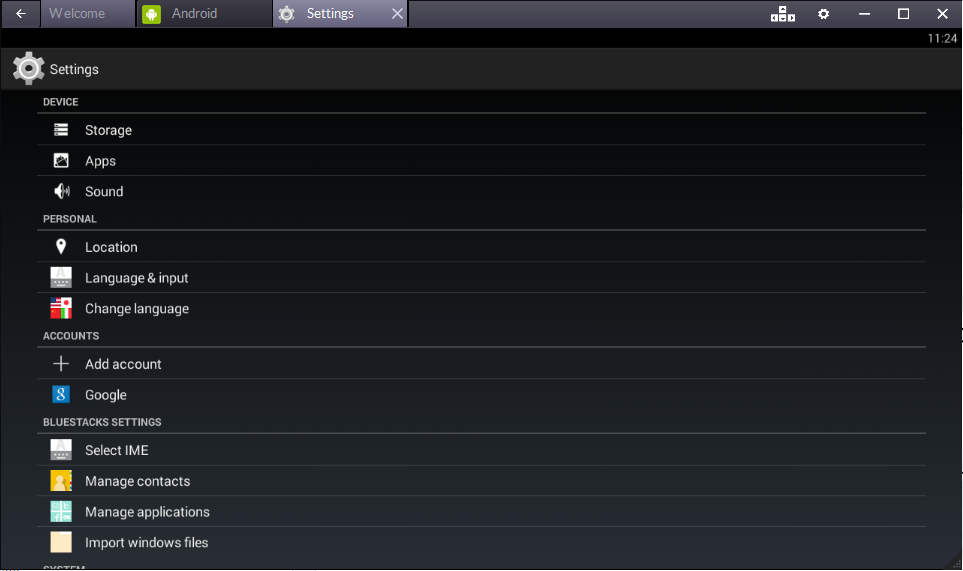
3. Setup MCU on Bluestacks